
Download AutoPlay Repair – CD DVD AutoPlay Customization Tool
Overview
AutoPlay Repair is a utility application designed to enhance the automatic playback experience for CDs and DVDs on personal computers. Its primary function is to give users granular control over the default actions triggered when optical media is inserted into a drive. This addresses a common limitation in operating systems where predefined behaviors—such as launching media players, opening folders, or displaying prompts—may not align with user preferences. By offering customizable options, the app allows individuals to tailor the system’s response to their specific workflows, improving both convenience and efficiency.
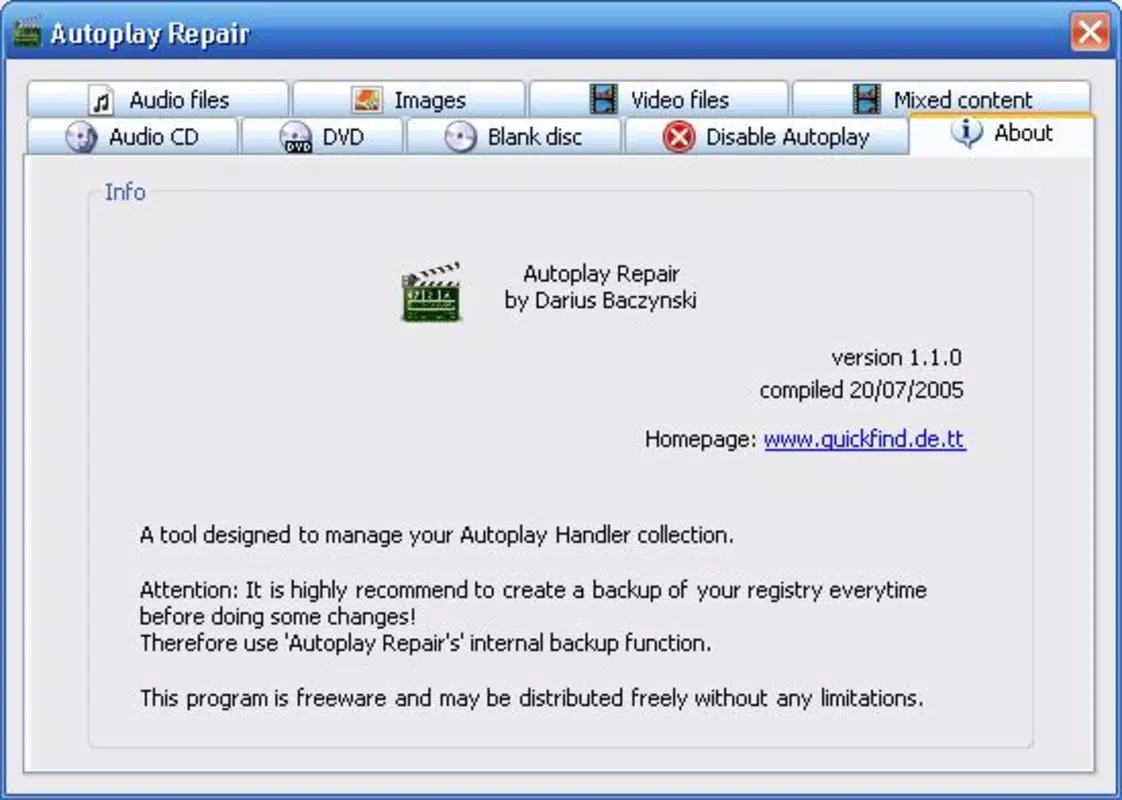
The target audience includes home users, multimedia enthusiasts, and professionals who frequently work with physical media. These users often encounter repetitive or unwanted actions when inserting discs, which can disrupt their workflow or lead to unintended program launches. AutoPlay Repair helps resolve these issues by enabling users to define custom behaviors, such as skipping automatic playback or launching a preferred application. The app also supports backup functionality, allowing users to preserve original settings before making changes, ensuring that configurations can be restored if needed.
Although the developer did not provide additional technical details, the app has been available since 2007, indicating a long-standing presence in the utility software space. Its continued relevance suggests a stable and reliable solution for a niche but persistent need. In the broader context of digital media management, AutoPlay Repair fills a critical gap by offering a lightweight, focused tool that enhances system interaction without requiring complex setup or advanced technical knowledge.
Key Features & Functionality
- Customizable Options: Users can modify or replace default actions triggered by CD/DVD insertion, such as launching a media player, opening a folder, or displaying a prompt. This allows for a personalized experience based on individual preferences or specific use cases.
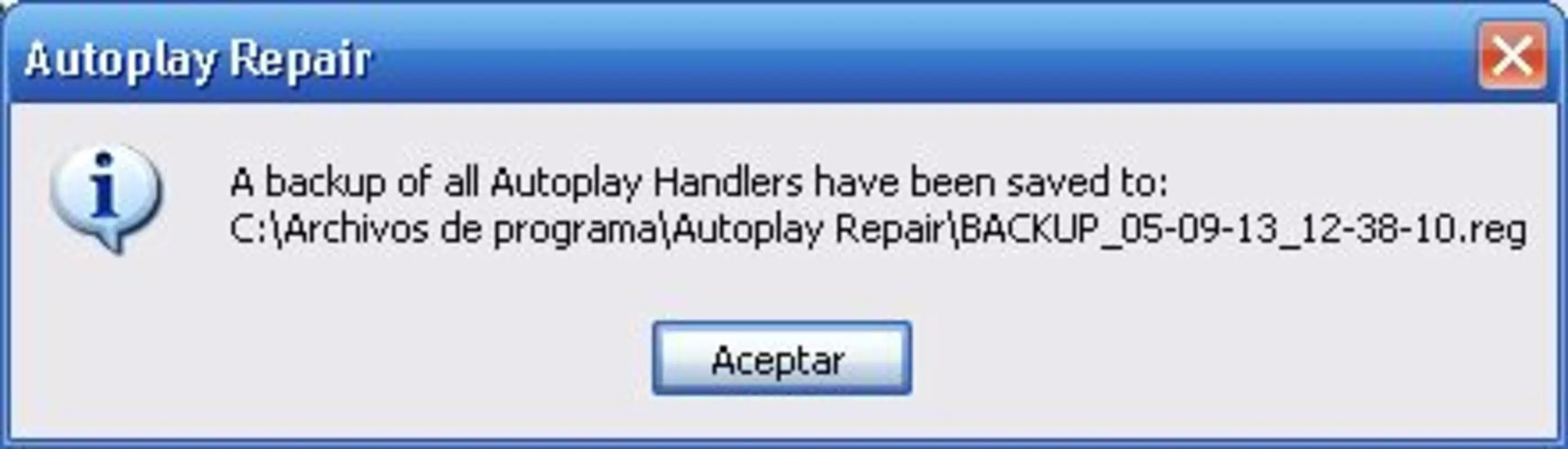
- Backup Functionality: Before applying changes, the app enables users to create a backup of existing AutoPlay settings. This ensures that original configurations can be restored if new settings cause issues or are no longer desired.
- User-Friendly Interface: Designed with accessibility in mind, the interface supports intuitive navigation, allowing users of all technical skill levels to adjust settings without confusion or dependency on external guides.
- Comprehensive Control: The application provides detailed management over how the system responds to various media types and file formats, enabling users to fine-tune interactions for specific disc contents or applications.
- Lightweight and Efficient: AutoPlay Repair operates with minimal system resource usage, ensuring it runs smoothly in the background without affecting overall computer performance or responsiveness.
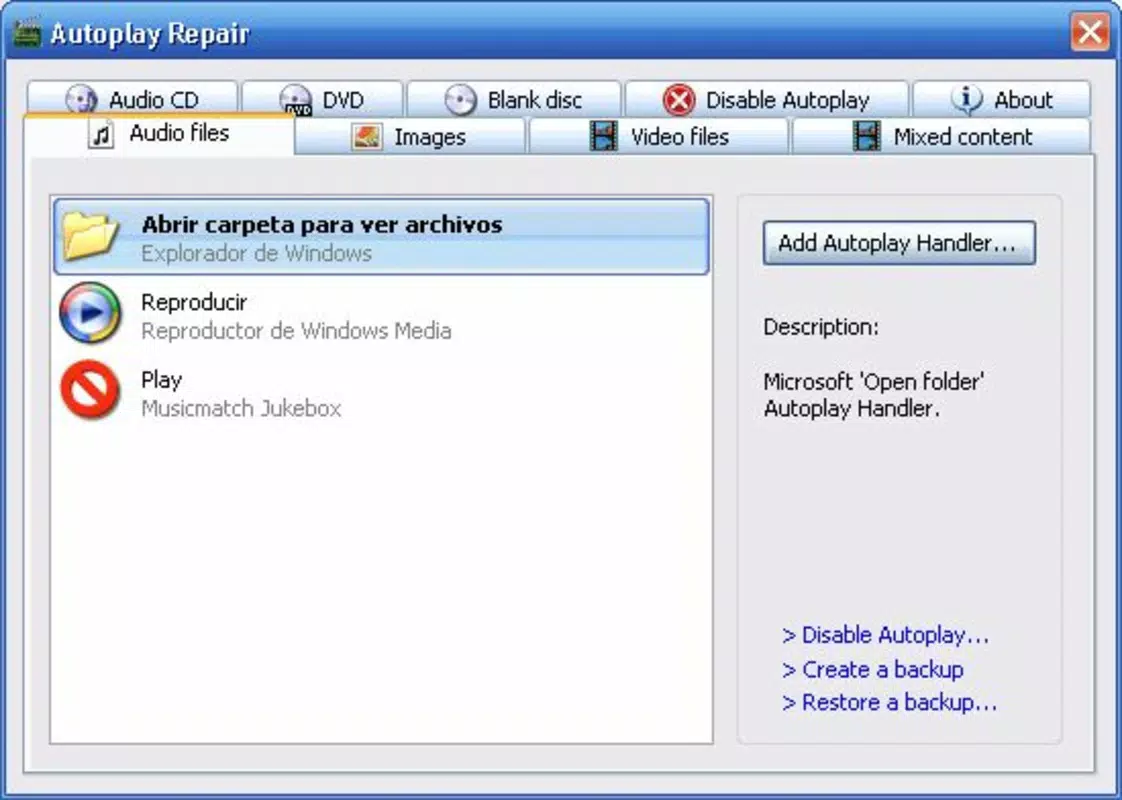
For example, a user who frequently inserts audio CDs may prefer the system to automatically launch their preferred music player instead of opening a file browser. Similarly, a video editor working with project discs might want to skip all automatic actions and manually select how each disc is handled. The app’s ability to manage these scenarios with precision makes it a practical tool for users seeking greater control over their media experience.
Interface, UX & Performance
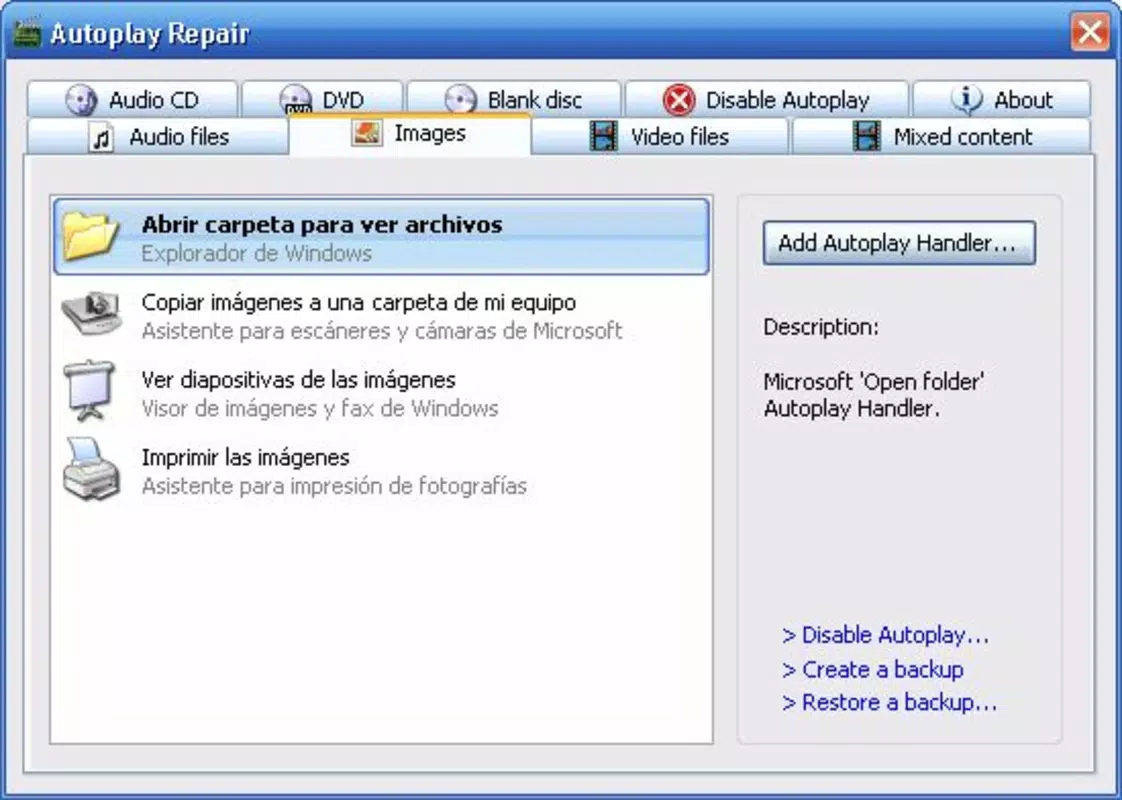
The interface of AutoPlay Repair is structured to prioritize clarity and ease of use. Navigation is straightforward, with clearly labeled sections for managing different types of media and their associated actions. Visual design is minimalistic, focusing on functionality rather than decorative elements, which contributes to a clean and distraction-free experience.
Users can quickly access settings related to CD, DVD, and other optical media types, with options to add, remove, or modify default behaviors. The application supports logical workflows, allowing users to preview changes before applying them, which enhances confidence in the customization process. Although the developer did not list formal performance metrics, the app’s lightweight nature suggests it maintains stable operation across a range of system configurations.
Responsiveness is consistent, with minimal lag during configuration changes. The app does not appear to interfere with background processes or cause system slowdowns, which is crucial for a utility tool that runs continuously. Stability is further supported by the backup feature, which reduces the risk of unintended system behavior due to misconfiguration. Overall, the user experience is smooth and predictable, aligning with the expectations of a mature utility application.
Platform Compatibility & Technical Requirements
AutoPlay Repair is designed for use on Windows-based systems. The application supports various versions of the Windows operating system, although specific compatibility details were not fully disclosed by the developer. The file size is relatively small, indicating a lightweight footprint that does not require significant storage space.
The software version available is from 2007, which suggests it may not be optimized for the latest Windows updates or newer hardware architectures. However, its continued availability implies that it remains functional on older and mid-range systems. The developer did not specify minimum OS requirements or hardware specifications, so users should exercise caution when installing on newer platforms.
Compatibility information was not fully disclosed, and no official support for modern operating systems was confirmed. Users should verify system compatibility before installation, particularly if running Windows 10 or later. The absence of recent updates may also raise concerns about long-term security and stability.
Pros and Cons
Pros
- Offers customizable AutoPlay settings for CDs and DVDs
- Includes a backup feature to restore original configurations
- Intuitive interface suitable for users of all skill levels
- Lightweight and efficient with minimal system impact
- Provides comprehensive control over media handling behaviors
Cons
- Release date is from 2007; no recent updates have been published
- Compatibility with modern Windows versions is not confirmed
- Developer did not provide technical specifications or system requirements
- Limited to desktop environments; no mobile or tablet support
- No official support for newer hardware or security protocols
FAQ
Is AutoPlay Repair safe to download and install?
Yes, the application is designed as a utility tool and does not contain malware. However, users should only download it from trusted sources to avoid potential security risks.
Can I use AutoPlay Repair on Windows 10 or Windows 11?
While the app was released in 2007, it may still function on newer Windows versions. However, the developer did not confirm compatibility, so testing on a non-critical system is recommended.
Does AutoPlay Repair require administrator privileges?
The app likely requires elevated permissions to modify system-level AutoPlay settings, but specific requirements were not listed by the developer.
How do I restore my original AutoPlay settings?
AutoPlay Repair includes a built-in backup function. Users can restore previous configurations by selecting the backup file and applying it through the app’s interface.
Is AutoPlay Repair available for mobile devices?
No, the application is designed exclusively for desktop Windows systems and is not available for Android or iOS devices.
Final Thoughts
AutoPlay Repair remains a niche but functional tool for users seeking greater control over their CD and DVD playback behavior. Its customizable options, backup functionality, and lightweight design make it a practical choice for those managing physical media on older or stable Windows systems. While the lack of recent updates and unclear compatibility with modern OS versions are notable drawbacks, the app continues to serve its core purpose effectively.
It is particularly valuable for users who frequently encounter unwanted automatic actions when inserting discs and want a simple, reliable way to customize those responses. For individuals working in media production, archival, or home entertainment, the ability to fine-tune AutoPlay settings can significantly improve workflow efficiency.
Despite its age, AutoPlay Repair demonstrates the enduring value of focused utility software. If you're looking for a straightforward way to manage optical media interactions on Windows, this tool offers a proven solution.
Download AutoPlay Repair now


